On Reading More


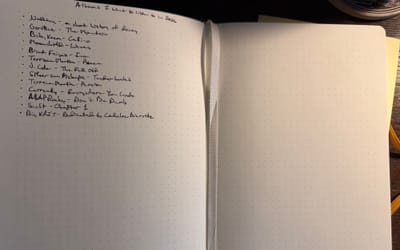
I sort of tongue-in-cheek talked about how much I read in 2025, which was to say very little. Apparently, this is a topic on people’s minds right now, as both Joan Westenberg and Cal Newport have posted videos on YouTube on the subject. Both talk about what they believe works and what doesn’t when it comes to reading more books. Both are quality watches, so give those a go.
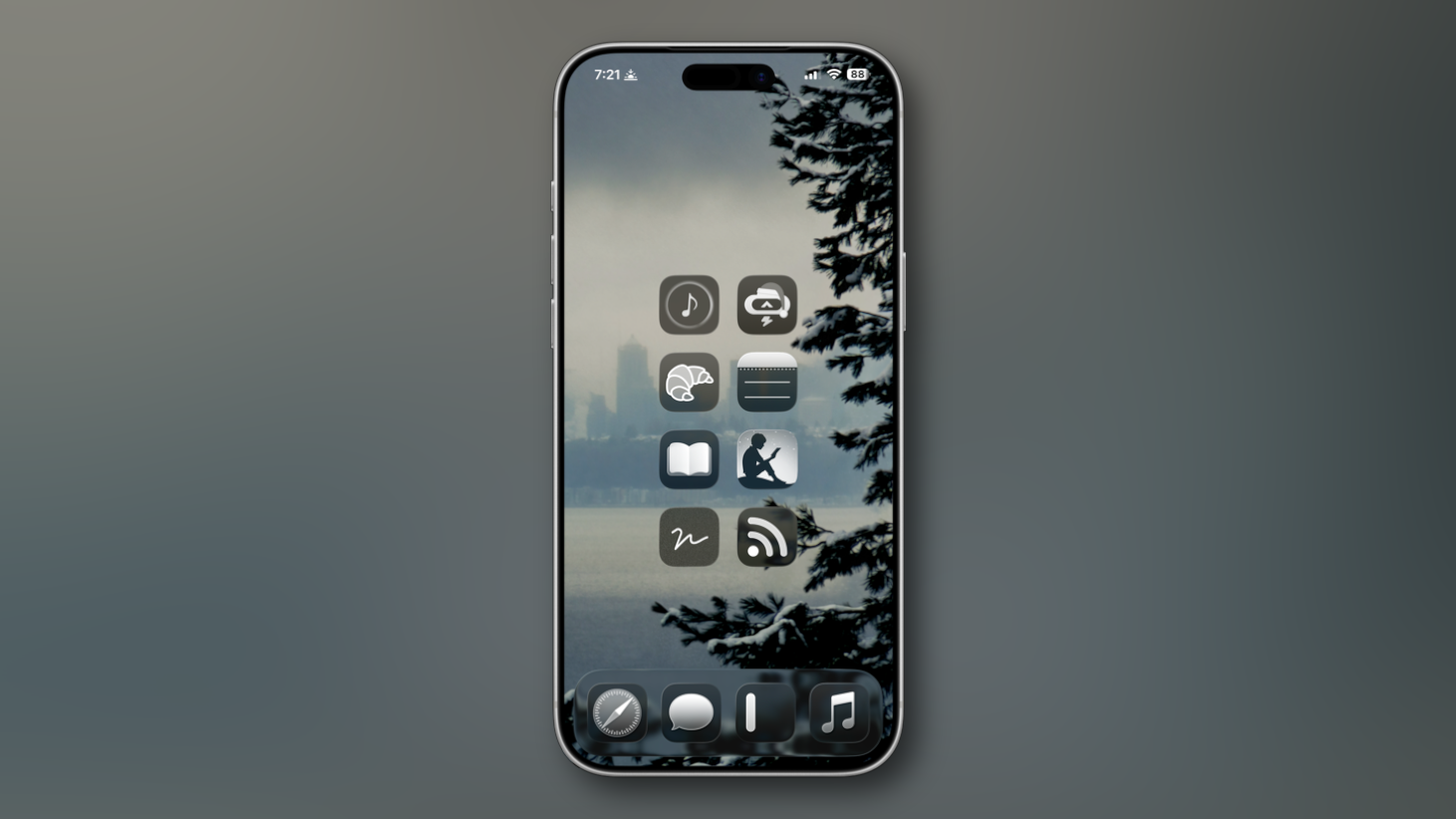
I tend to float towards Westenberg’s methods. What Joan suggests is using your existing habits to develop the new habit you want to have. For example, instead of having social media apps on your smartphone’s Home Screen, replace those spots with reading apps, like those from Apple Books, Amazon Kindle, or Kobo. On top of this, leave books in places where you’re forced to think about reading. Such as leaving a book on your couch cushion to force yourself to pick the book up before you sit down or leaving a book by your bedside.
This is much in line with similar advice from James Clear, author of Atomic Habits, which I just so happen to be reading right now. Much how things that are out of sight tend to be out of mind, things work the opposite way as well. Leave a book in a spot where you’re bound to deal with it, say at your desk or at your bedside, and your chances increase that you’ll read that book. Hide it on a shelf, and not so much, unless your discipline takes you to that bookshelf to begin with.
I’ve already been doing this. My initial thought was to bring my Kindle with me wherever I go. But then I thought of something. I always have my phone with me, and I already have both Apple Books and the Kindle app on my home screen. So, I’ve left the Kindle by my bedside and have set up a bit of a reading mode on the phone. Where I disagree with Cal Newport’s approach is that he doesn’t believe in using devices like smartphones or tablets for serious reading at all because the brain tends to be trained to skim on these devices. This appears to be because of the types of scenarios we encounter on these screens, such as social media or message boards, which encourage this kind of behavior. The result is that we tend to retain less of what we’ve read, keeping us from any kind of deep reading.
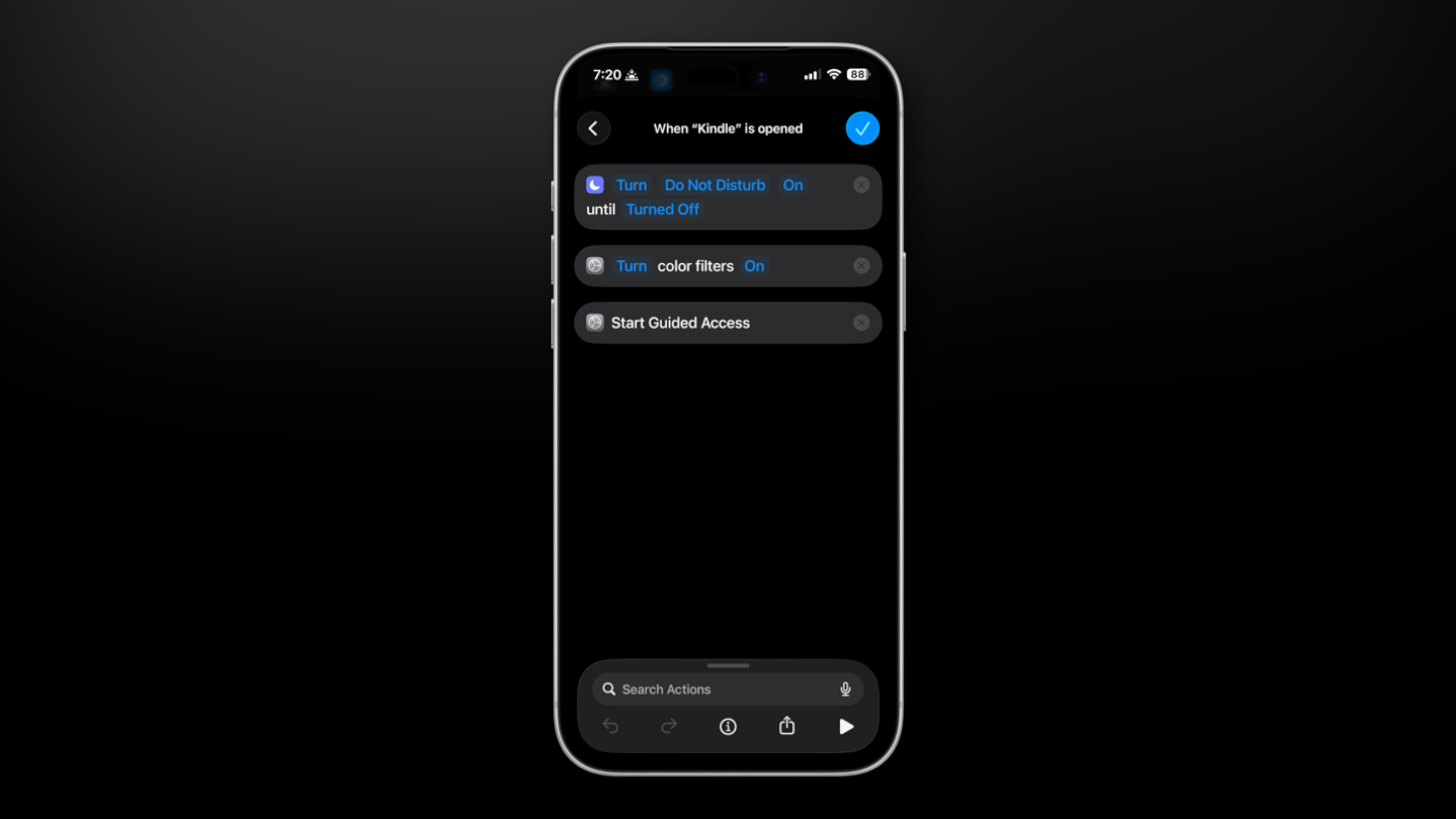
However, I’ve attempted to make my devices more Kindle-esque by creating a reading mode with the Shortcuts app on both iOS and iPad OS. Basically, whenever I open the Kindle app, an automation kicks in that turns on my Do Not Disturb mode and launches an accessibility setting called Guided Access. What Guided Access does is lock you into the app you’re currently in, not allowing you to swipe your way out. The only way out is by triple-clicking the power button on the side of the device, which will trigger either the biometric unlock on your device or a passcode which you’ve set up in settings. Even after the unlock, you still have to choose to end Guided Access to fully leave this state. It renders the device into one use type, in this case, reading, and adds a ton of friction to the urge to do anything else. If you want to add a little extra to this, you can have your phone set to grayscale as well.
With this setup, I’m leaving my Kindle at home, despite it being my favorite thing to read with. Instead, I’ll use the phone on the go for those times when I have the itch to do something on it, like when I’m waiting for a food order or am on break at work. The beauty of this is that your devices will sync between each other, so whether you pick up your dedicated eReader or your smartphone, you can pick up where you left off. Of course, you can mix physical books into this if you wish as well. Do what works for you. The point is developing a habit at all. Some will do more than others.
Let’s see where I’m at in 11 months.